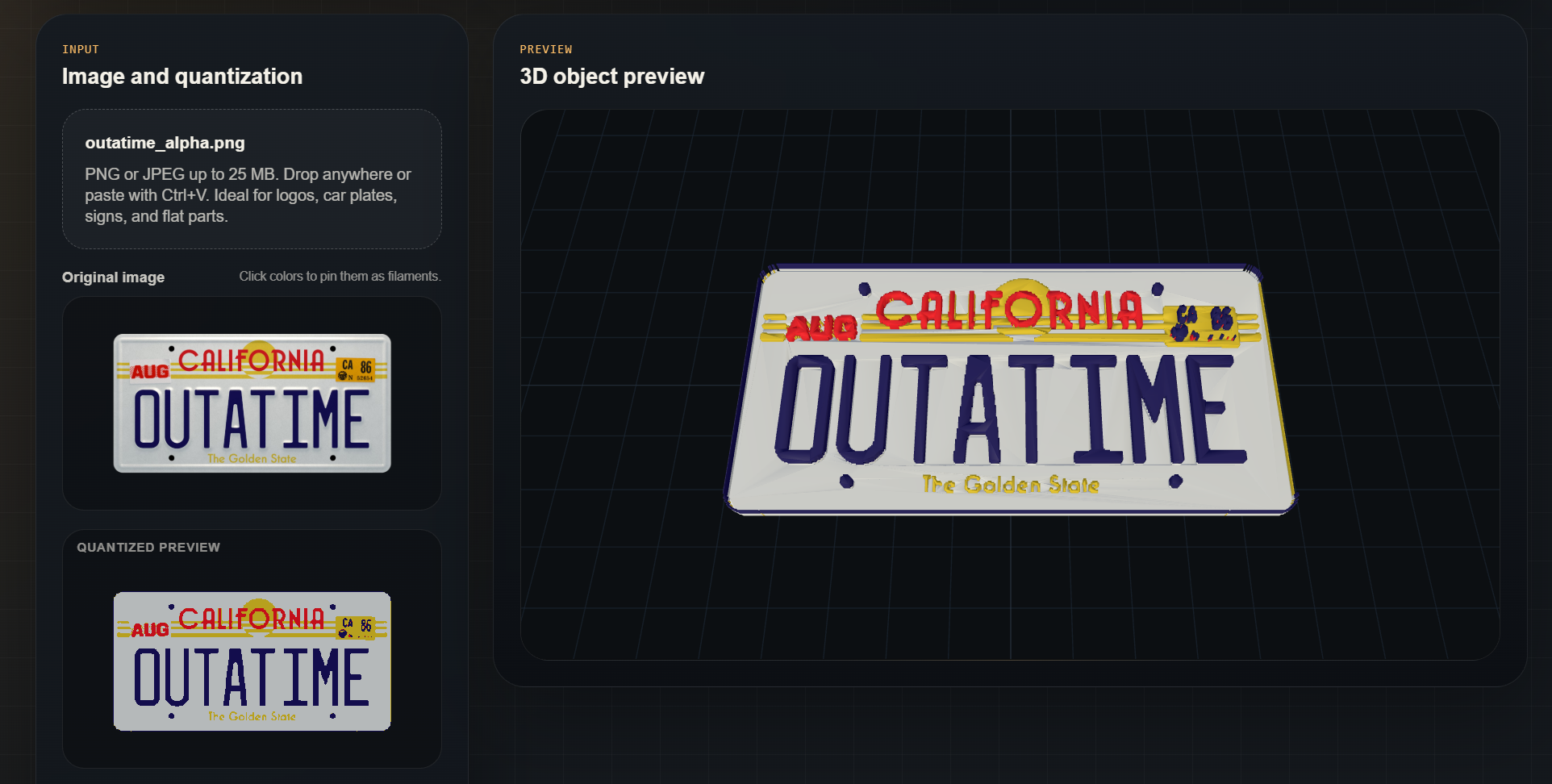
Image to keychain Make a 3D printed keychain from an image
Upload a logo, icon or transparent PNG, choose a final width and export a multicolor 3MF.
Transparent pixels become real cutouts, so you can prepare clean keychains, tags and badges
without cleaning unwanted background colors after quantization.
For keychains, start with 80 to 120 mm width, 0.2 mm/pixel resolution and 0.8 to 1.2 mm
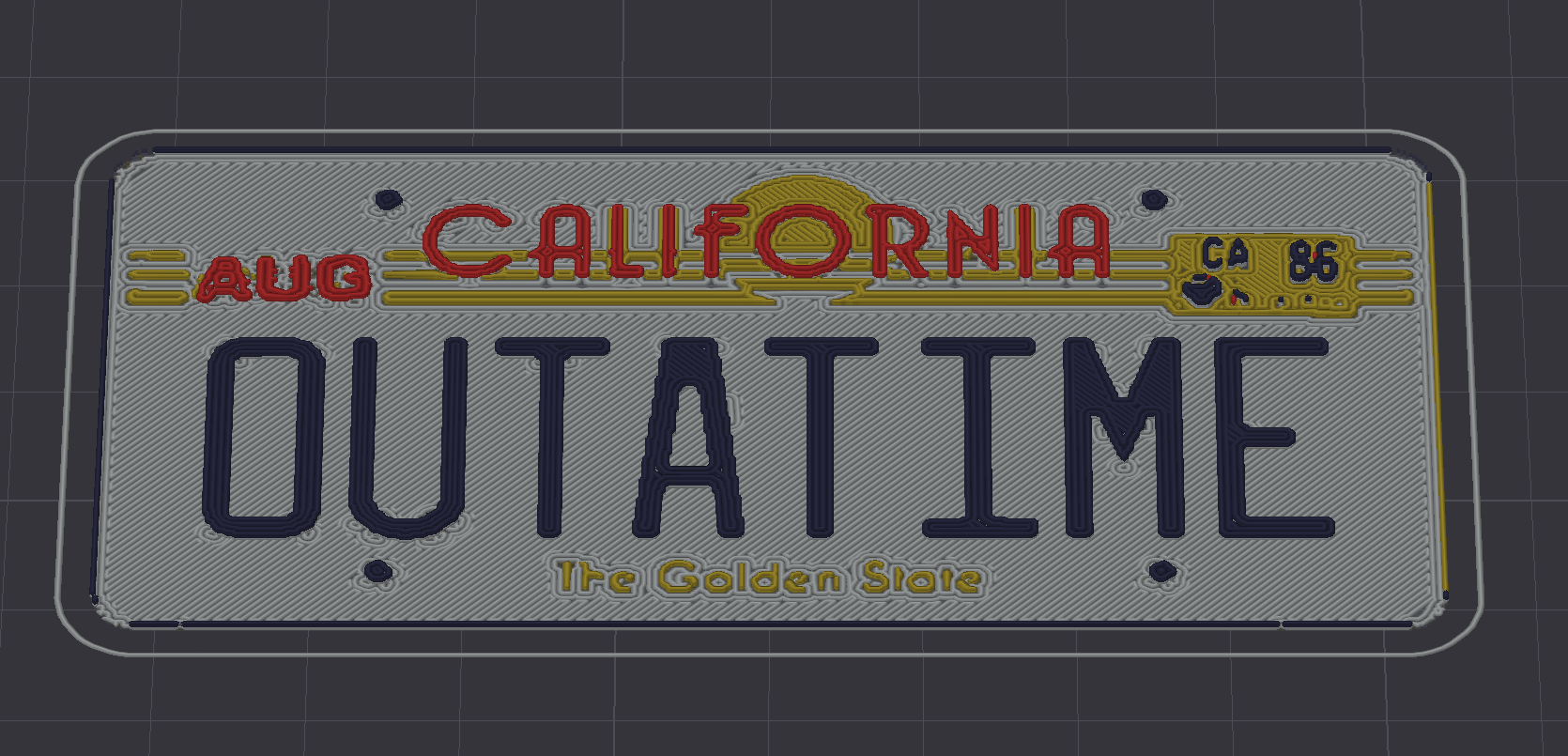
thickness. Use flat multicolor mode when every visible color should print at the same height,
or relief mode when letters and details should rise above the base.
Image to keychain guide PNG to 3MF Transparent PNG to 3MF
The alpha channel is treated as geometry, not as another color. Fully transparent pixels are
excluded from the model, while black, white and other opaque colors remain printable
filaments.
3MF vs STL Why export 3MF instead of STL?
STL only stores geometry. 3MF can carry multiple colored objects, making it a better format
for multicolor slicers such as OrcaSlicer and Bambu Studio.
Multicolor printing Flat color or raised color
Use flat multicolor mode for printed signs, logos and color plates. Use relief by color when
you want each detected color to have its own height.
AMS / IFS / CFS / ACE / multi-tool Image to 3MF for multicolor printers
The exported 3MF is designed for slicers that can assign filaments to separate colored
regions, including OrcaSlicer, Bambu Studio and vendor slicers based on Orca. Use it for
AMS, AMS Lite, AMS 2 Pro, IFS, CFS, ACE, CANVAS and independent toolhead workflows.
Common targets include Bambu Lab X1 Carbon, X1E, P1S, P1P, A1, A1 mini and H2D systems with
AMS or AMS Lite; Flashforge AD5X with integrated IFS; Flashforge Creator 5 and Creator 5 Pro
quad-toolhead printers; Elegoo Centauri Carbon 2 Combo with CANVAS; Snapmaker U1 with
SnapSwap toolheads; Creality K2 Plus Combo and Creality Hi with CFS; Anycubic Kobra S1 Combo
and Kobra S1 ACE 2 Pro Combo with ACE; and Original Prusa XL multi-toolhead setups.