Apply Image to Model
Open an STL or 3MF, load a PNG or JPEG, choose the filament color count and project it onto a selected face for AMS-style multicolor printing. Free, no sign-up.
Open Model + ImageConvert images into printable 3MF and STL models. Start with multicolor 3MF for logos, keychains and plates, vectorize PNG logos to SVG for OrcaSlicer modifiers, or use heightmap relief for single-material embossed prints. Convert textured GLB models into Snapmaker Orca FullSpectrum 3MF when you need virtual color mixes. Free to use, with no account or sign-up required.
Open an STL or 3MF, load a PNG or JPEG, choose the filament color count and project it onto a selected face for AMS-style multicolor printing. Free, no sign-up.
Open Model + ImageConvert PNG or JPG images into multicolor 3MF files for OrcaSlicer and Bambu Studio. Supports color quantization, transparent PNG cutouts, flat multicolor mode and raised color relief. Free, no registration required.
Try the three-color Maker tag exampleConvert textured GLB models into Snapmaker Orca FullSpectrum 3MF files. Choose solid filament colors, derive virtual mixes and dither texture colors onto the mesh.
Open GLB FullSpectrumConvert image brightness into printable relief height. Export a solid heightmap model as STL or 3MF for bas-relief plates, embossed photos and terrain-like surfaces. Free, no sign-up.
Open Image to HeightmapConvert a photo into a backlit lithophane model. Dark areas become thicker, bright areas become thinner, with smoothing and STL/3MF export. Free, no sign-up.
Open Image to LithophaneVectorize PNG or JPG logos into SVG paths for OrcaSlicer modifiers, decals, stickers and clean 3D printing artwork.
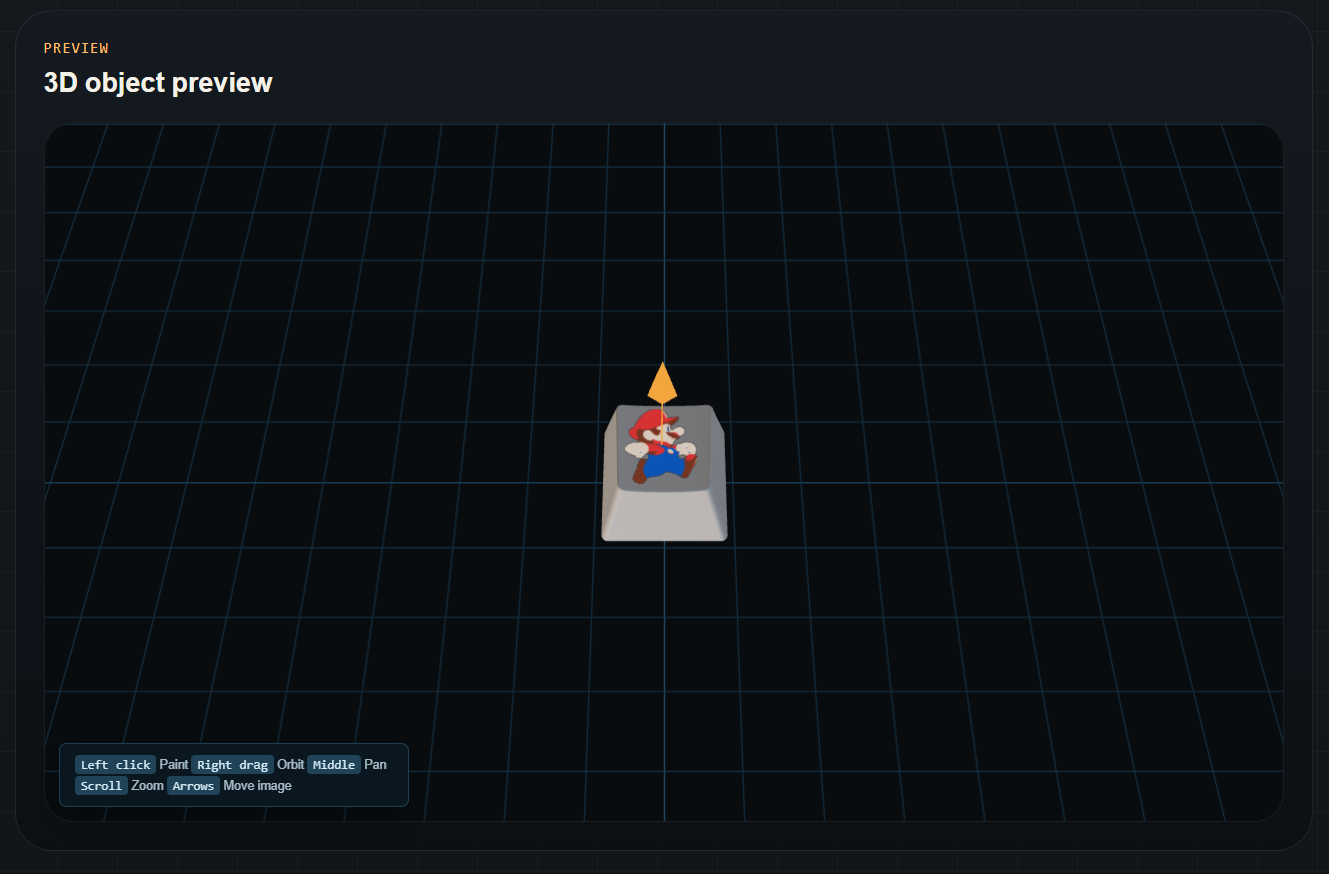
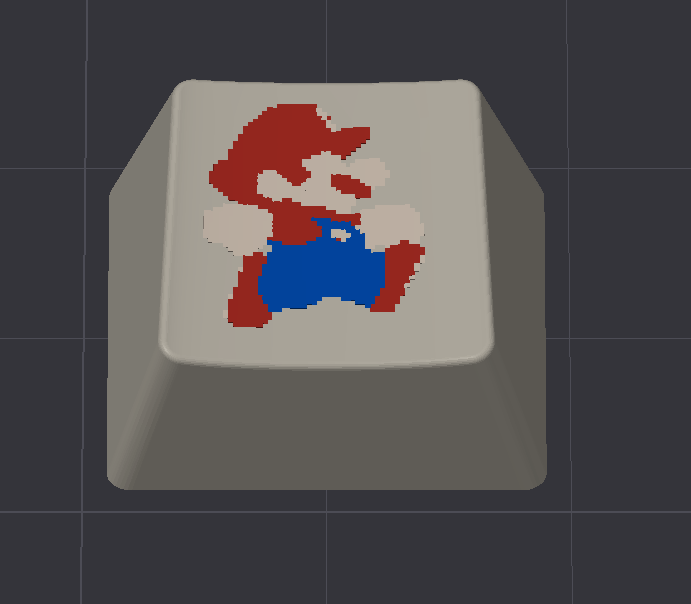
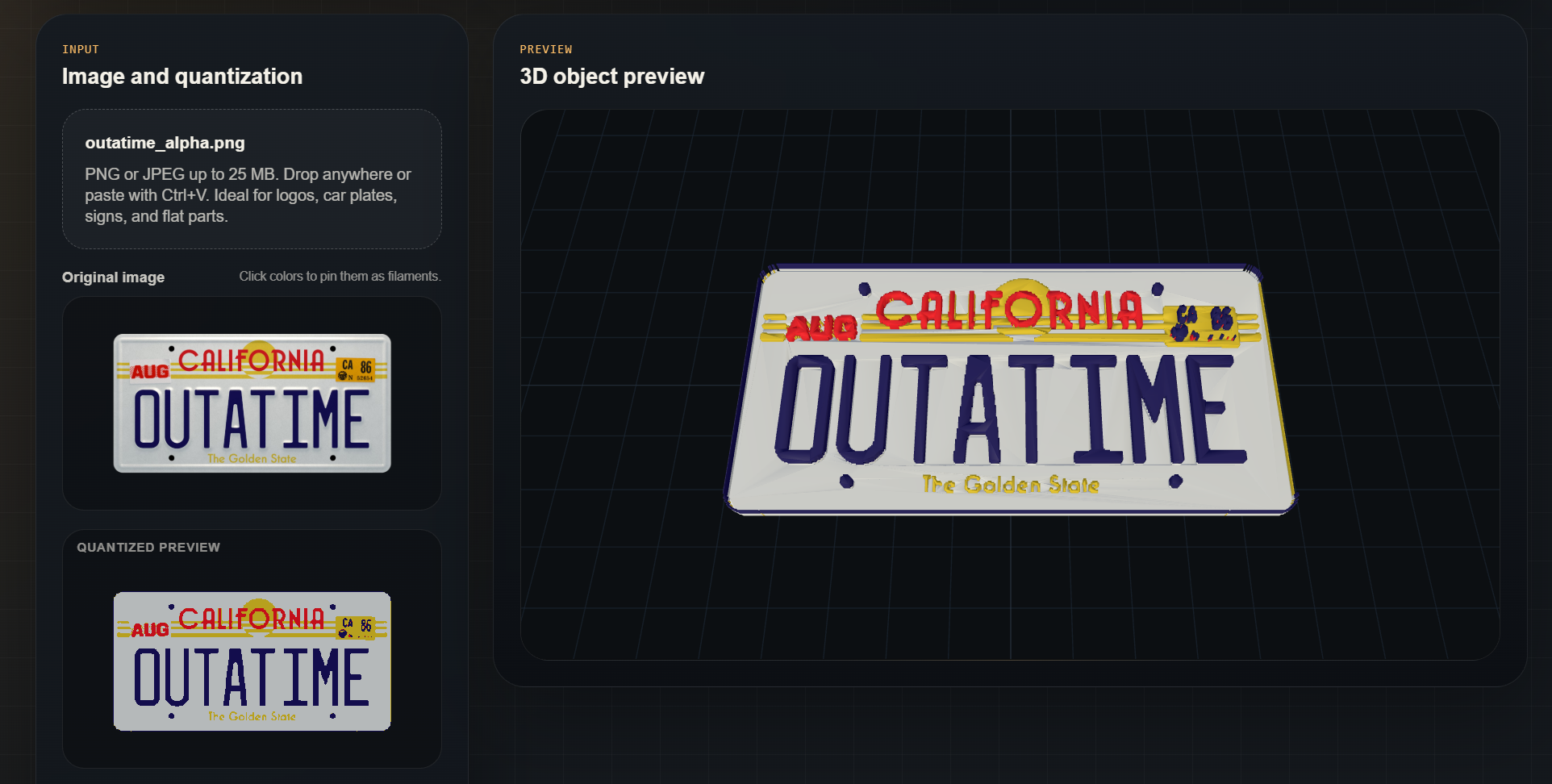
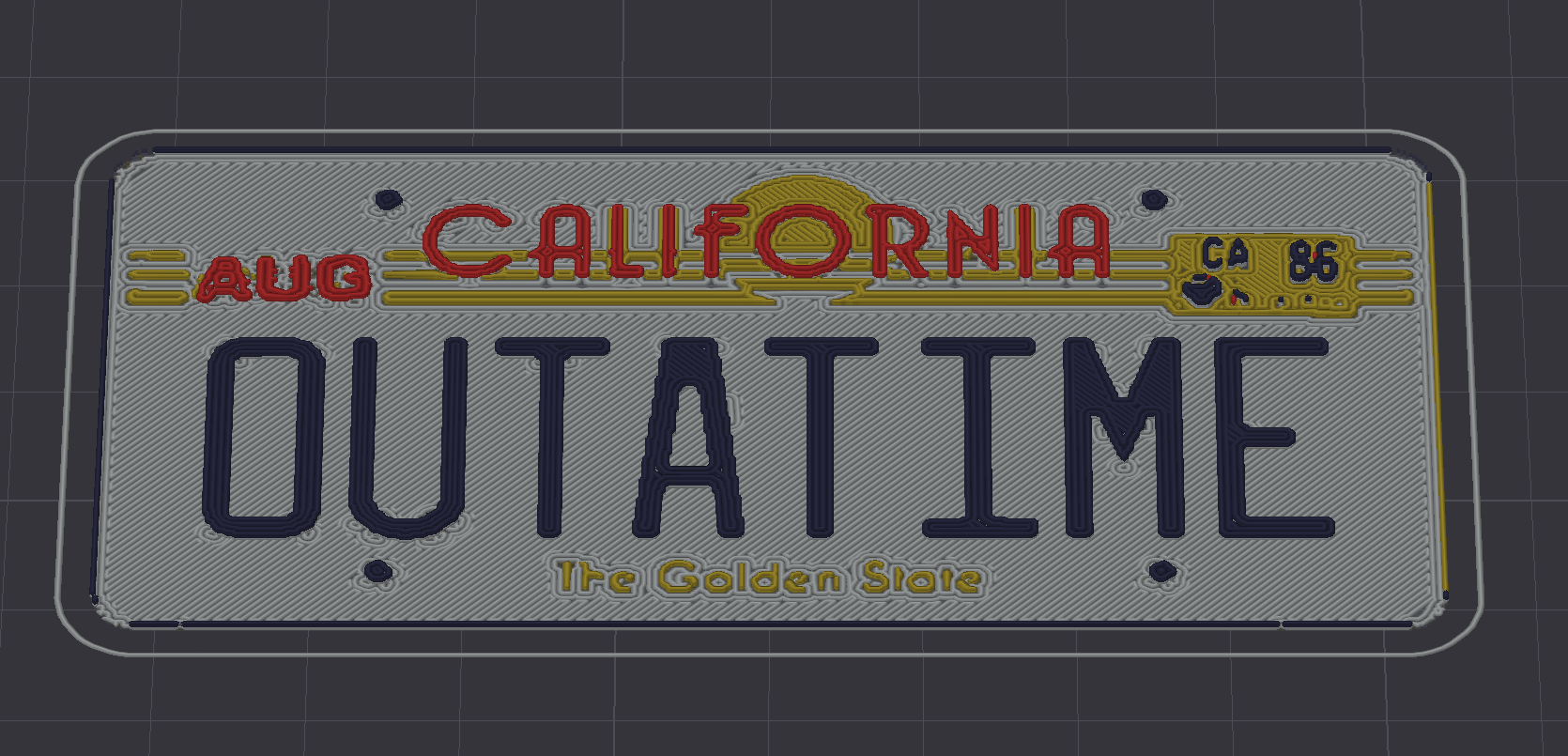
Open PNG to SVGThese real screenshots show the browser preview and slicer output before choosing a workflow: projected artwork on an existing model and a multicolor 3MF generated from an image.
These short guides cover the decisions that affect real prints: color count, transparent cutouts, slicer thin lines, AMS-style workflows, heightmap resolution and the difference between STL, SVG and 3MF.
Generic image-to-STL converters often lose color, transparency or slicer context. MakerTools3D keeps each workflow separate so the defaults match the print: multicolor 3MF for logos and keychains, heightmaps for relief, and lithophanes for backlit photos.
The tools are free and do not require registration. Uploaded images and models are processed for conversion workflows, and the public pages include practical print checks so users can understand why a file may look correct before slicing but fail in sliced preview.