When to use it
This is the right workflow for lids, covers, boxes, display plates and existing STL/3MF parts where the shape is already modeled and the image should behave like a printable surface decal.
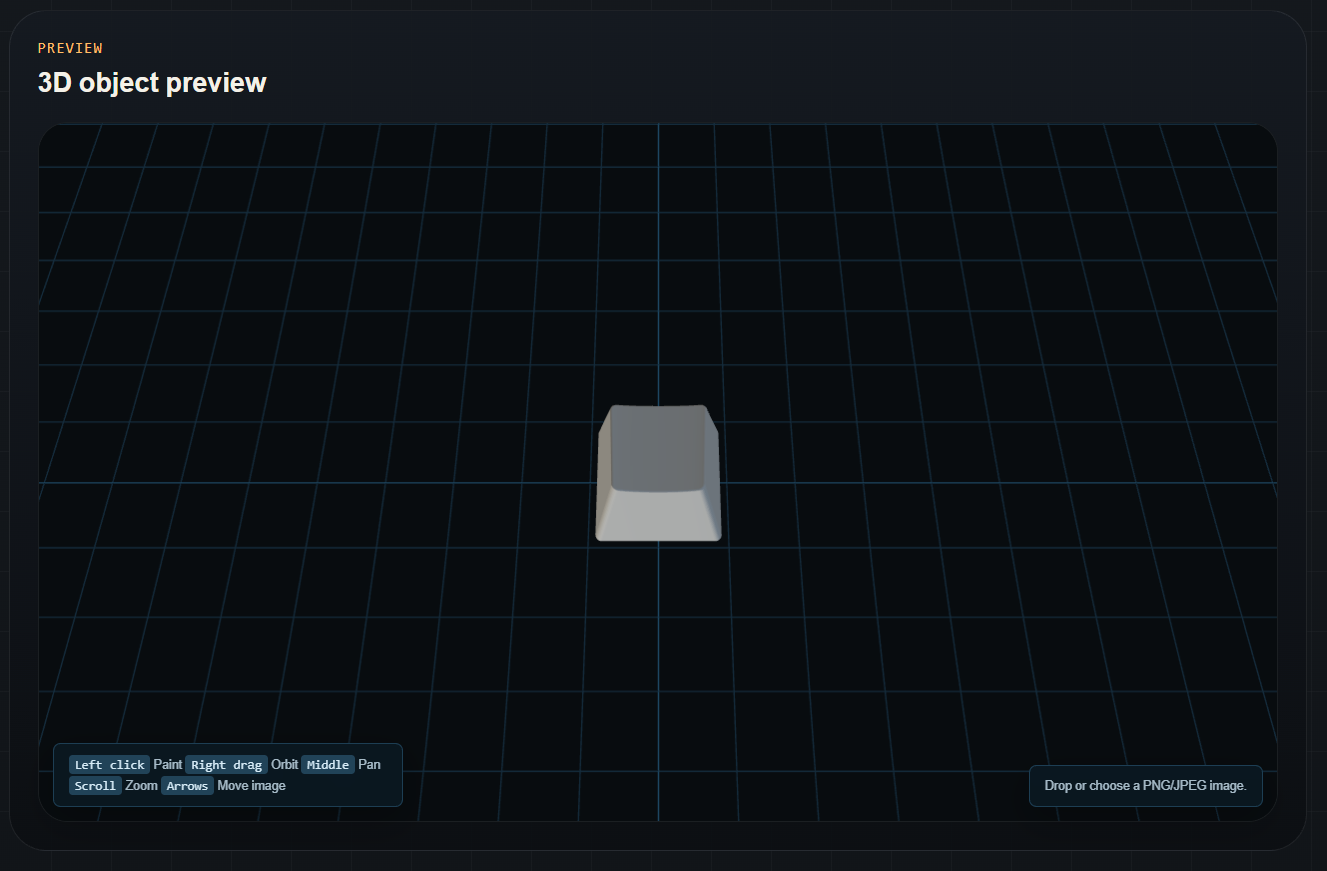
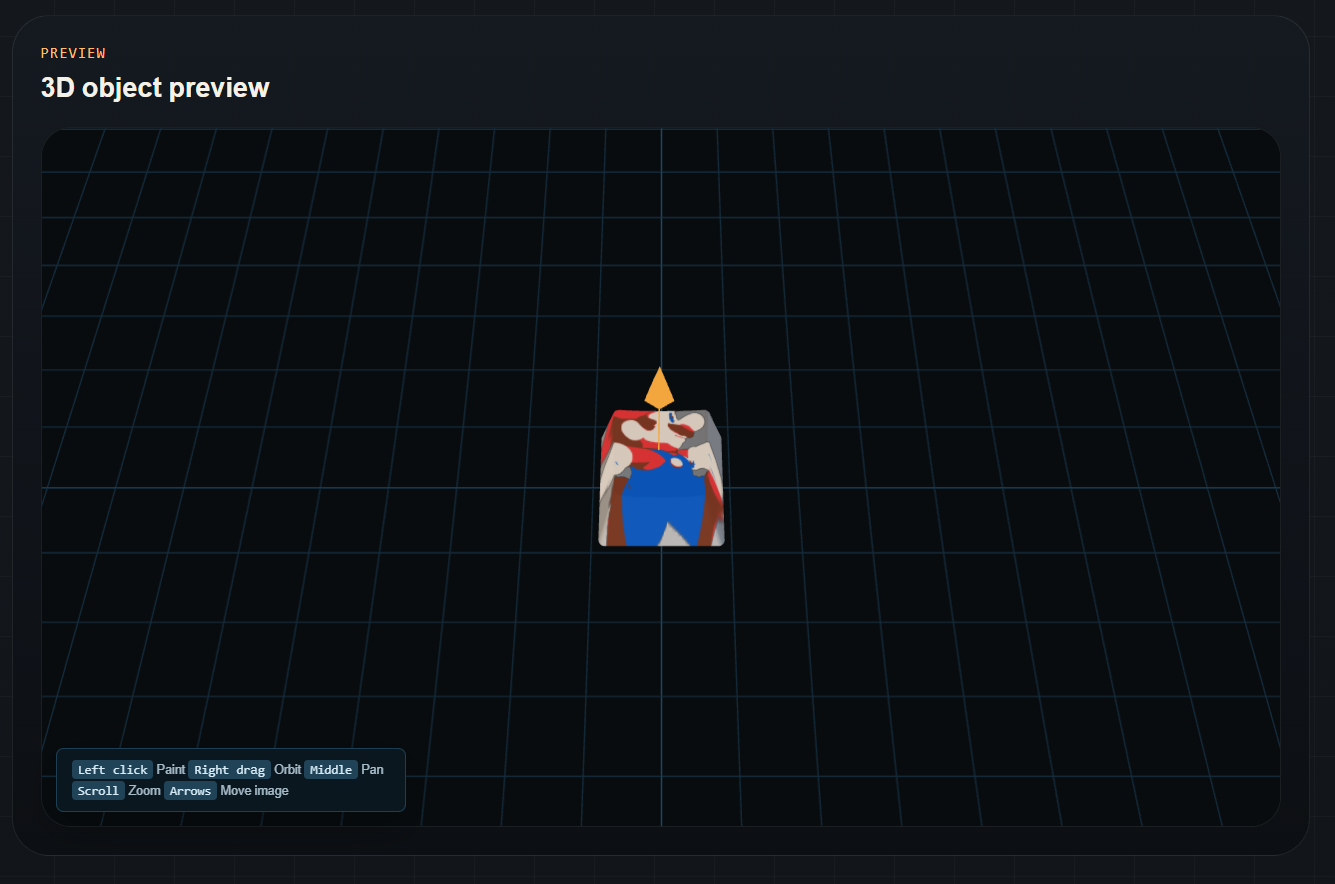
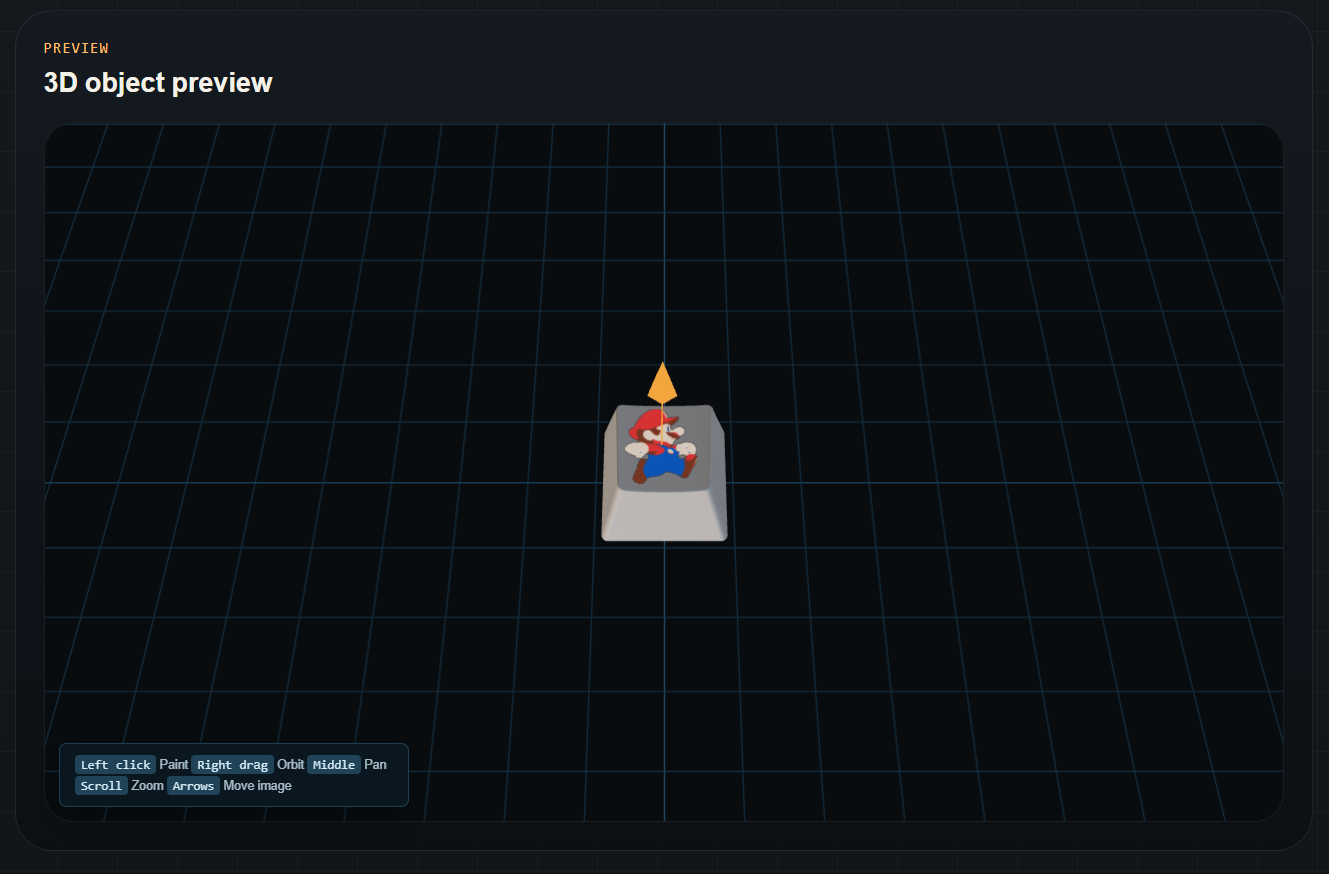
Open an STL or 3MF, load a PNG or JPEG, quantize it to normal AMS-style filament colors and place it on a selected face. Free to use, no account required.
Loading the interactive 3D editor…
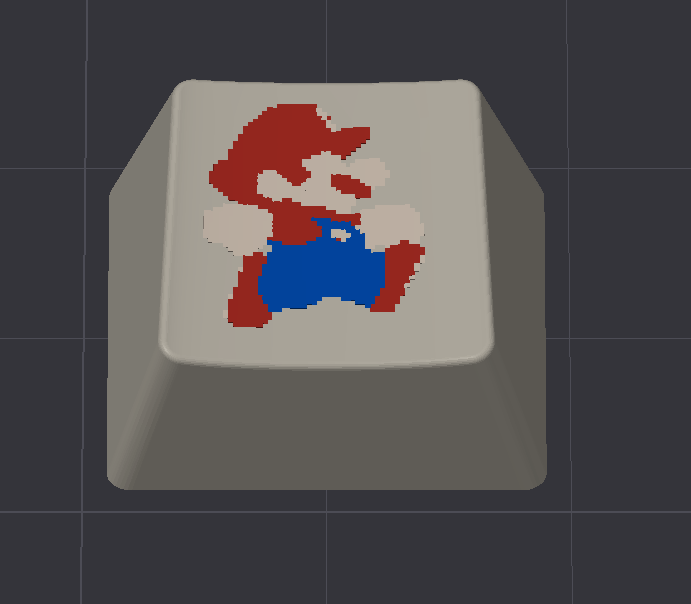
Use this when the model already exists and the image should become printable color on its surface. Load the model, load the image, place it on the target area, choose the palette size and export a 3MF with separate material regions for OrcaSlicer, Bambu Studio and AMS-style printers.
This is the right workflow for lids, covers, boxes, display plates and existing STL/3MF parts where the shape is already modeled and the image should behave like a printable surface decal.
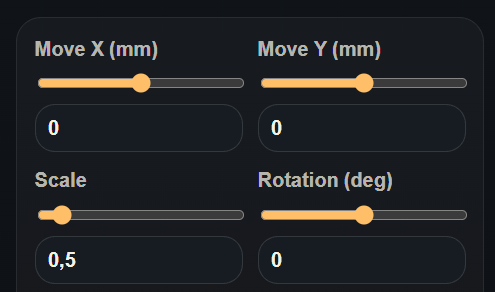
Projection mode keeps the placement fast and predictable for mostly flat surfaces. Disable it when you want the image constrained to the selected local face instead of projected across nearby geometry.
Open the exported 3MF in the slicer, confirm the material colors, then inspect sliced preview for missing thin lines, excess filament changes and small regions below nozzle width.
Read more: AMS multicolor 3MF workflow, why thin lines disappear, and image resolution for 3D printing.